
You can not select more than 25 topics
Topics must start with a letter or number, can include dashes ('-') and can be up to 35 characters long.
 Florent CHAMPIGNY
11d4958461
Florent CHAMPIGNY
11d4958461
|
10 years ago | |
|---|---|---|
| app | 10 years ago | |
| camerafragment | 10 years ago | |
| gradle/wrapper | 10 years ago | |
| media | 10 years ago | |
| .gitignore | 10 years ago | |
| LICENSE | 10 years ago | |
| LICENSE.md | 10 years ago | |
| README.md | 10 years ago | |
| build.gradle | 10 years ago | |
| gradle.properties | 10 years ago | |
| gradlew | 10 years ago | |
| gradlew.bat | 10 years ago | |
| settings.gradle | 10 years ago | |
README.md
CameraFragment

//you can configure the fragment by the configuration builder
CameraFragment cameraFragment = CameraFragment.newInstance(new Configuration.Builder().build());

getSupportFragmentManager().beginTransaction()
                .replace(R.id.content, cameraFragment, FRAGMENT_TAG)
                .commit();
Actions
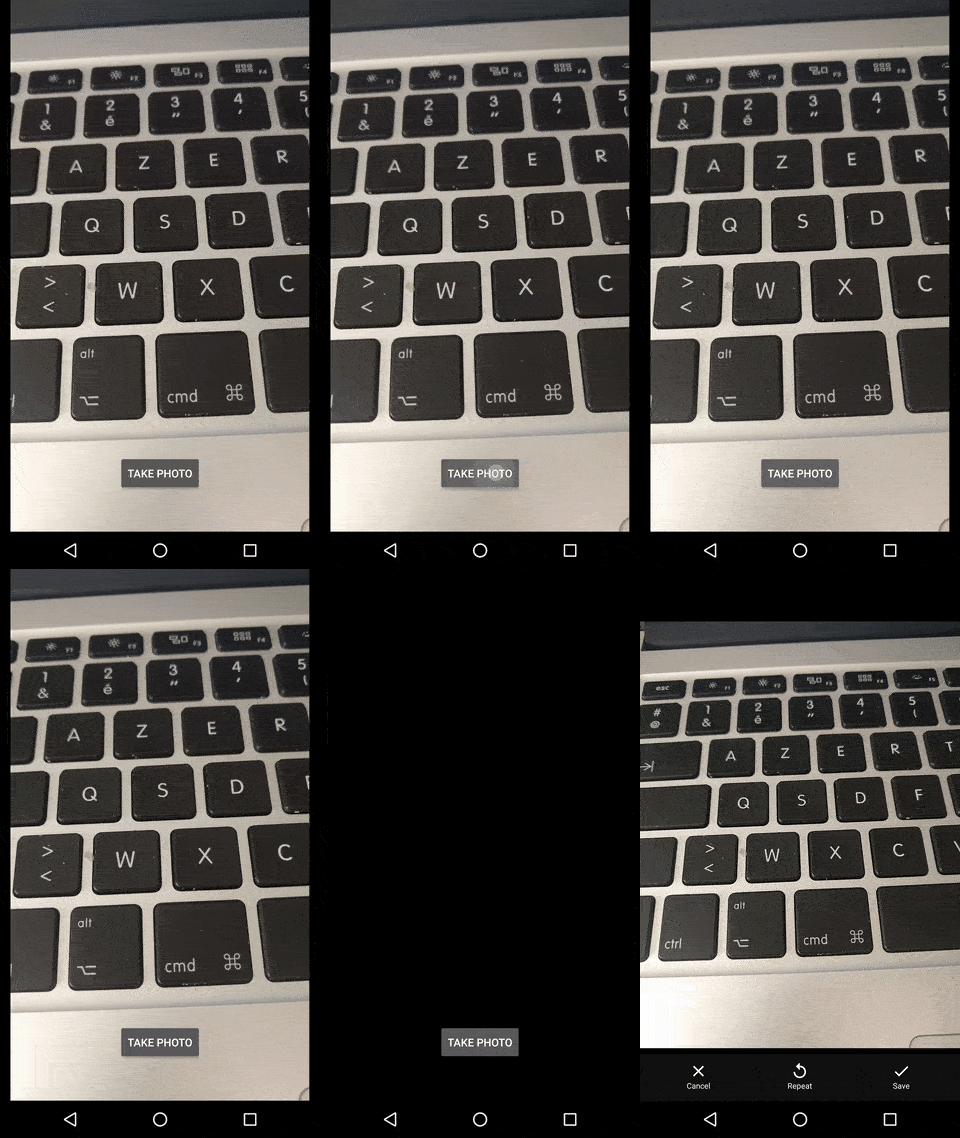
You can directly take a photo / video with
cameraFragment.takePhotoOrCaptureVideo(callback);
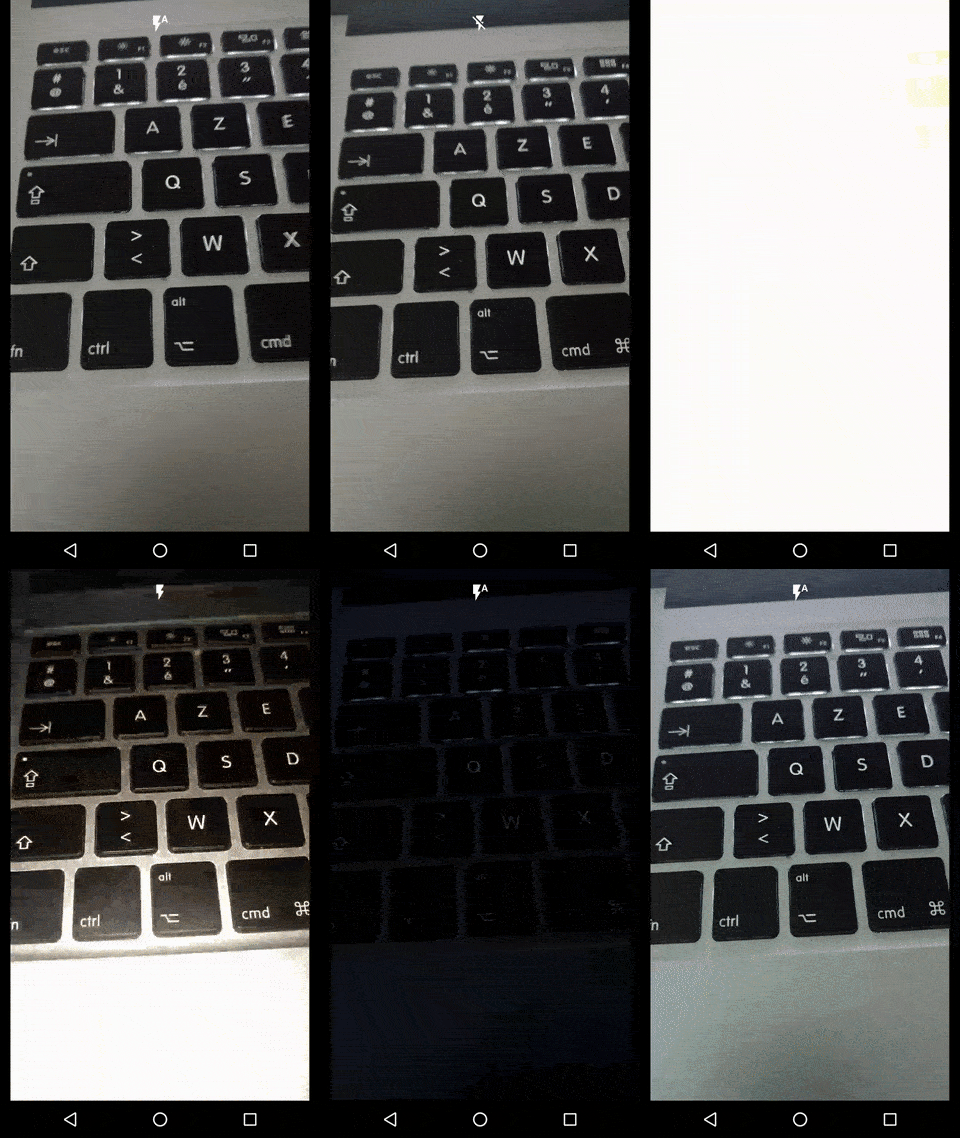
Flash can be enable / disabled ( AUTO / OFF / ON ) with
cameraFragment.toggleFlashMode();
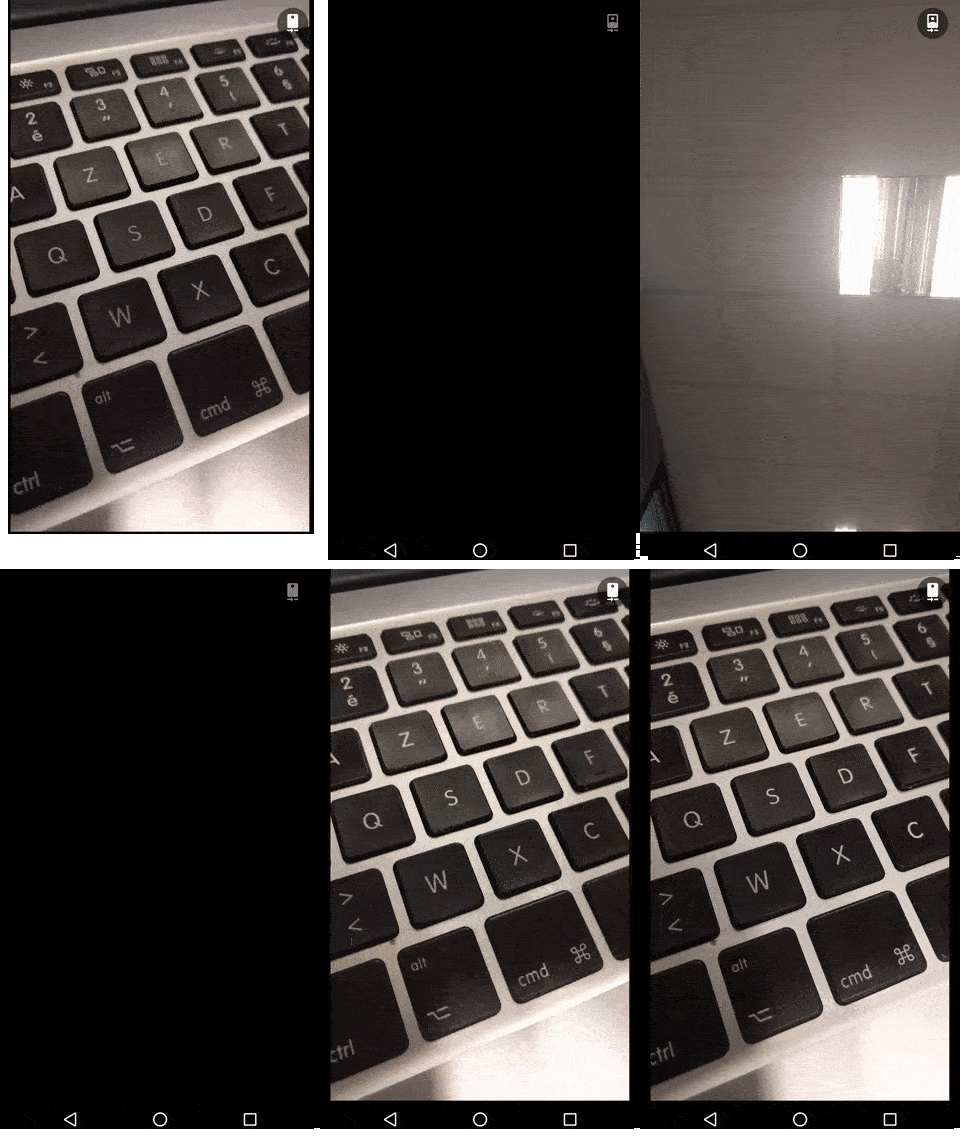
Camera Type can be modified ( BACK / FRONT ) with
cameraFragment.switchCameraType();
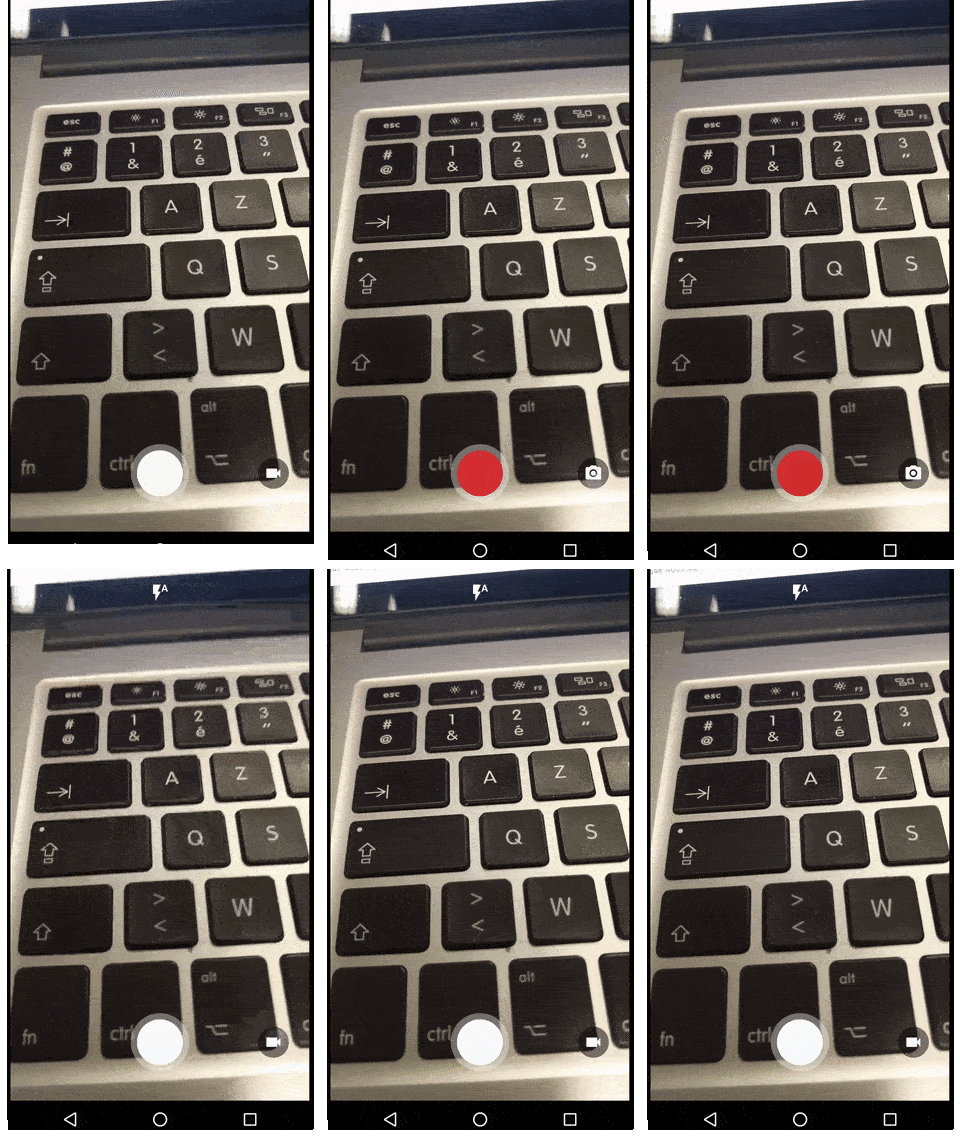
Camera action ( PHOTO / VIDEO ) can be modified with
cameraFragment.switchActionPhotoVideo();
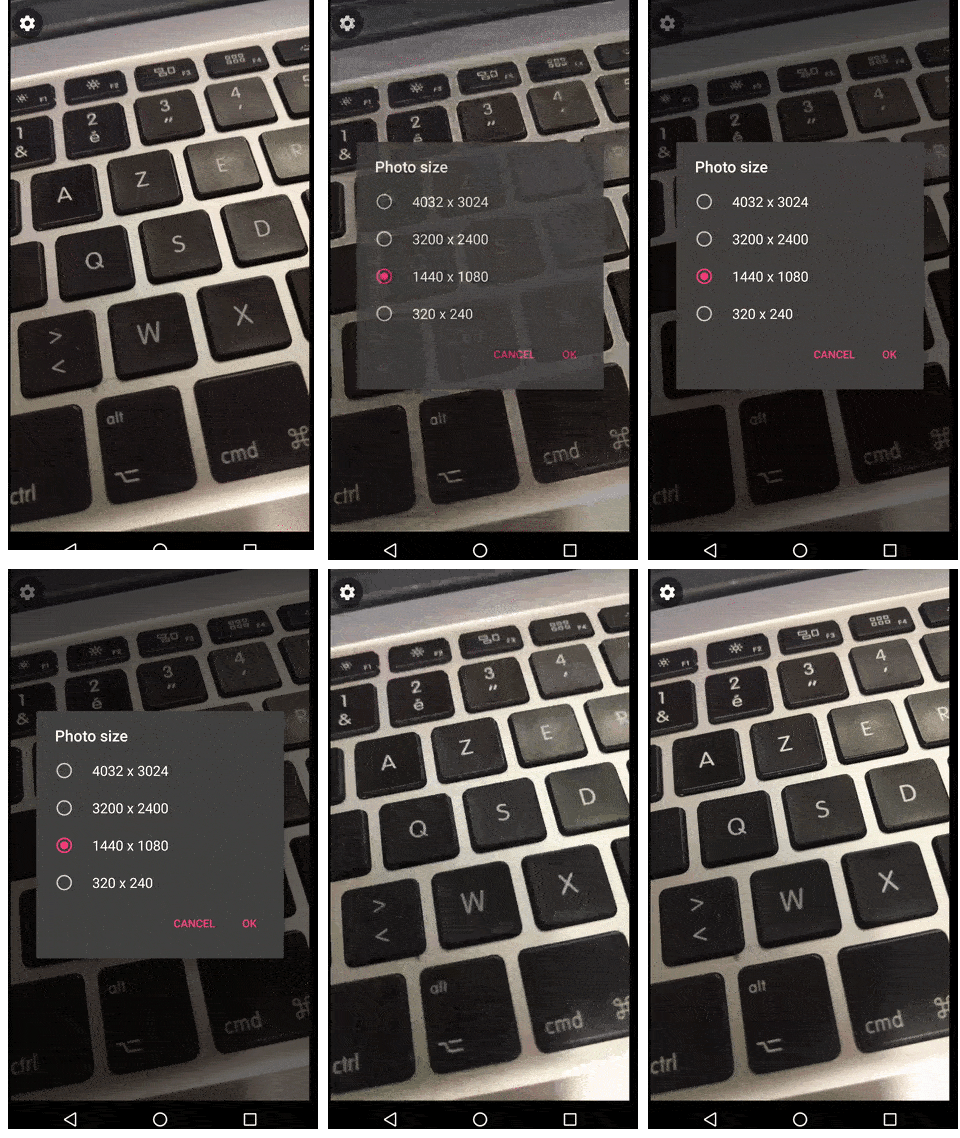
And you can change the captured photo / video size with
cameraFragment.openSettingDialog();
Listeners
Result
Get back the result of the camera record / photo in the CameraFragmentResultListener
cameraFragment.setResultListener(new CameraFragmentResultListener() {
       @Override
       public void onVideoRecorded(byte[] bytes, String filePath) {
                //called when the video record is finished and saved

                startActivityForResult(PreviewActivity.newIntentVideo(MainActivity.this, filePath));
       }

       @Override
       public void onPhotoTaken(byte[] bytes, String filePath) {
                //called when the photo is taken and saved

                startActivity(PreviewActivity.newIntentPhoto(MainActivity.this, filePath));
       }
});
Camera Listener
cameraFragment.setStateListener(new CameraFragmentStateListener() {

    //when the current displayed camera is the back
    void onCurrentCameraBack();
    //when the current displayed camera is the front
    void onCurrentCameraFront();

    //when the flash is at mode auto
    void onFlashAuto();
    //when the flash is at on
    void onFlashOn();
    //when the flash is off
    void onFlashOff();

    //if the camera is ready to take a photo
    void onCameraSetupForPhoto();
    //if the camera is ready to take a video
    void onCameraSetupForVideo();

    //when the camera state is "ready to record a video"
    void onRecordStateVideoReadyForRecord();
    //when the camera state is "recording a video"
    void onRecordStateVideoInProgress();
    //when the camera state is "ready to take a photo"
    void onRecordStatePhoto();

    //after the rotation of the screen / camera
    void shouldRotateControls(int degrees);

    void onStartVideoRecord(File outputFile);
    void onStopVideoRecord();
});
Text
CameraFragment can ping you with the current record duration with CameraFragmentTextListener